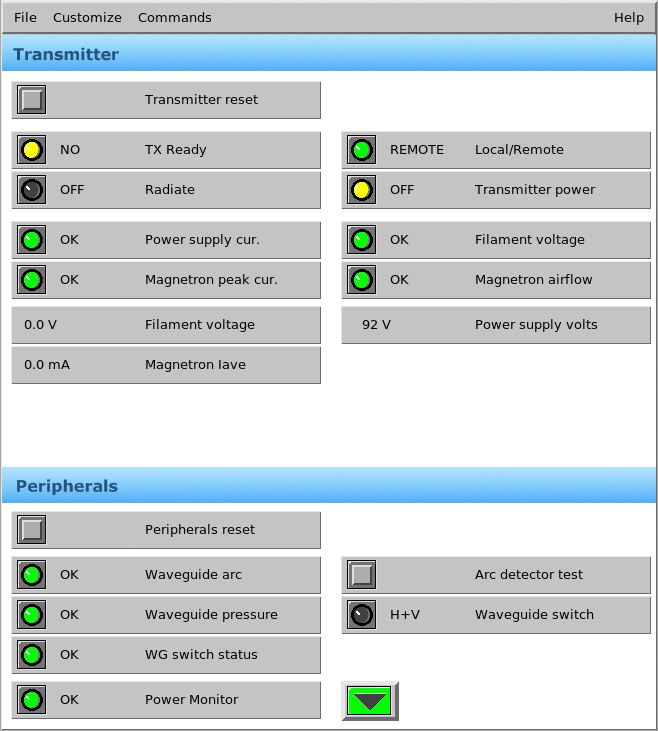
Bitex window
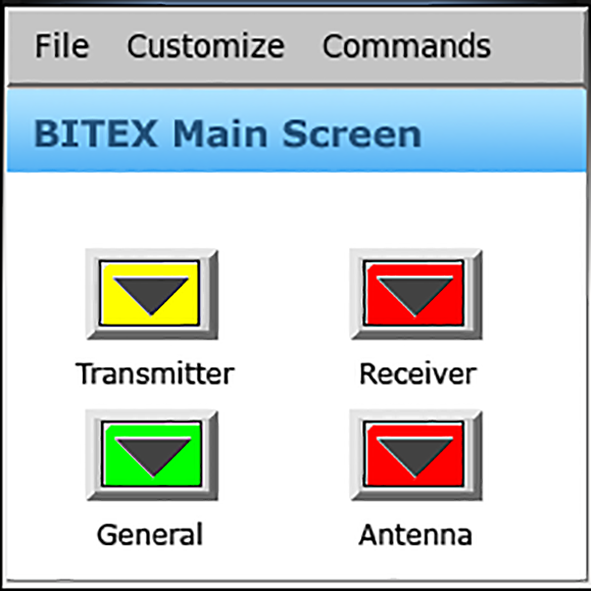
- Bitex Main Screen
-
The Bitex Main Screen shows each Bite Unit.
- Sub Panels
-
Select an option on the Bitex Main Screen to show its sub-panel, such as the Transmitter sub panel.
You may have many or no sub-panels. It is convenient to have a few sub-panels accessible from the main panel, where each sub-panel represents a different functional area of your radar BITE.
You can also nest sub-panels, so that from one sub-panel, you can open other sub-panels.