

Setting-up IRIS Dual polarization Attenuation Correction
-
In IRIS task configuration menu in the processor configuration, enable DP
Attn Cor Z ZDR and remember to set in the dspx
utility:
Polarimetric Attenuation Correction:"USER"
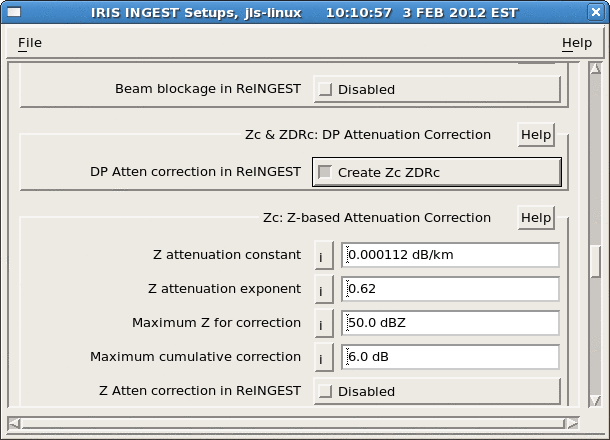
- In IRIS Setup utility ingest tab, enable the DP Atten correction in ReINGEST.
- Restart the IRIS system
The installed and activated Dual Polarimetric Attenuation Correction runs promptly on appropriate input data and computes results using the current configuration.