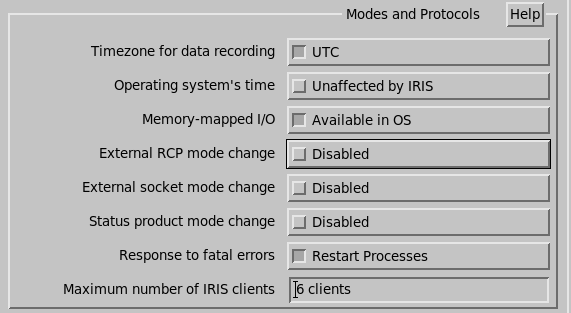
IRIS Setup Utility Mode Configuration
You must configure the modes of operation in the IRIS Setup Utility in RCP section as shown below. Note that the first column in the table in IRIS Radar Status Menu Mode Configuration gives the numbers for each mode used in the example.
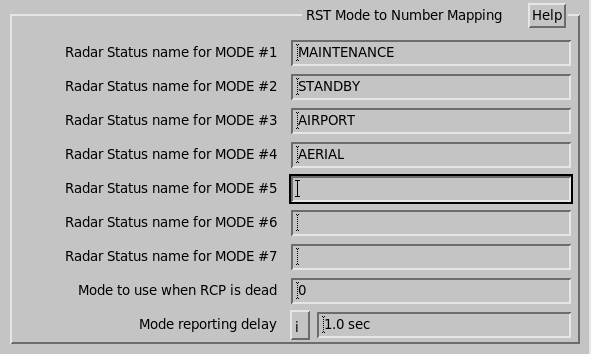
The modes are coded 1-7 and must match the mode names configured in IRIS Radar Status Menu. To force IRIS to switch to the requested mode you must also enable External RCP Mode Change” in IRIS Setup General question as shown below.