

Running the installation with Kickstart
-
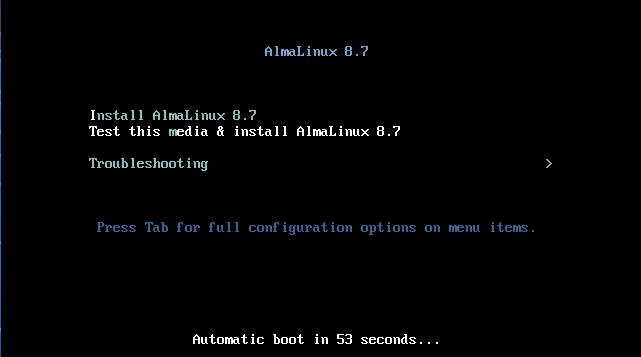
In the AlmaLinux 8.7 window, select Test this media & install AlmaLinux
8.7, and press ENTER.
The Installation Summary page opens.
-
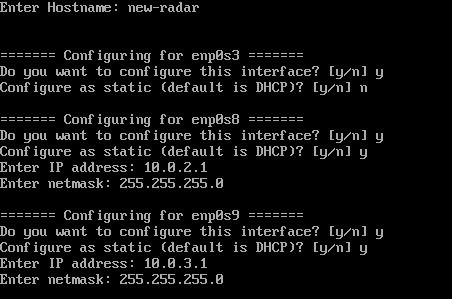
When prompted, configure the hostname and IP address.
-
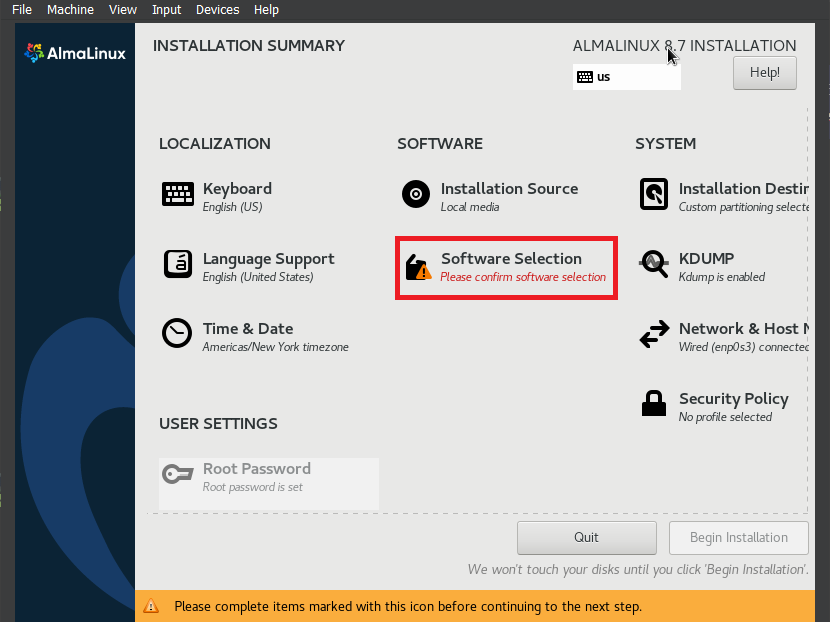
Select Software Selection.
-
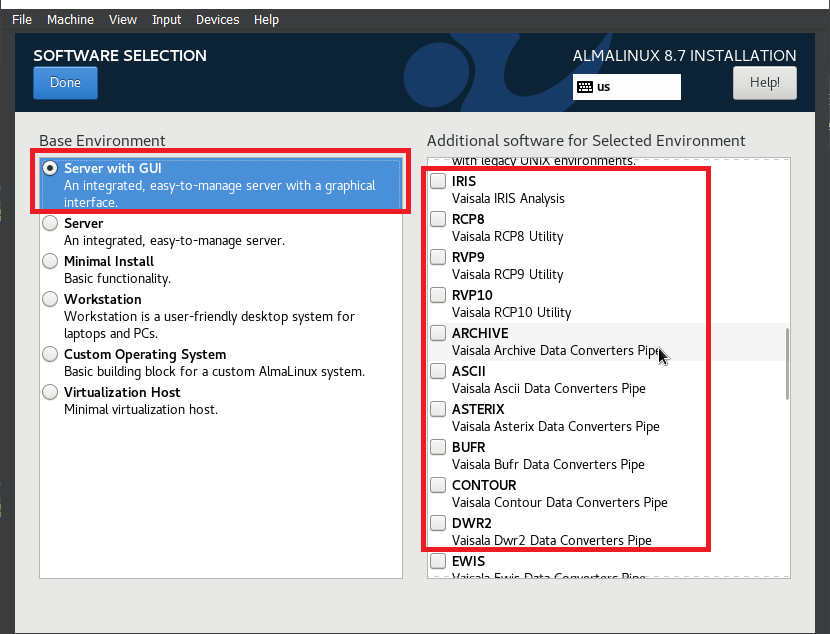
Select Server with GUI and the software you want to install,
such as IRIS Analysis, RCP8 Utility, and RVP10 Utility.
For more information on the options, see Running the installation script.
-
In the Installation Summary page, select Begin
Installation.
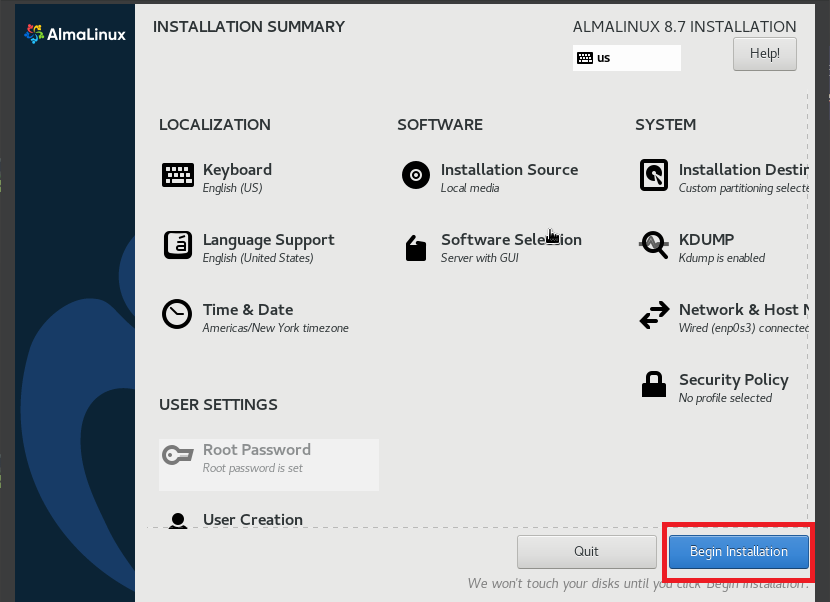
The installation process begins.
- When the installation is complete, the system will reboot automatically.