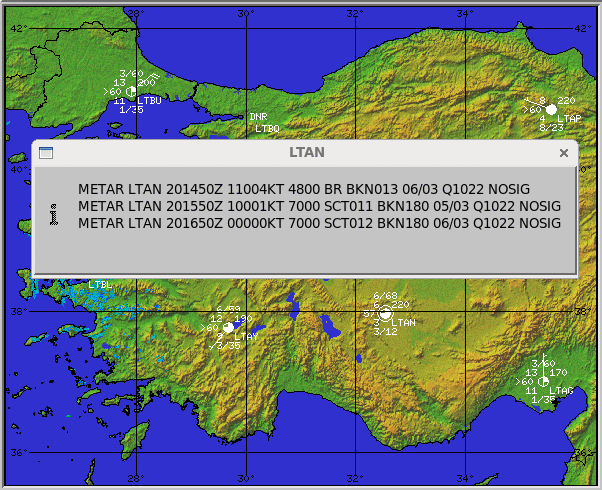
SWS Raw Report
When displaying an SWS product in the Quick Look Window, you can hover over a station and right-click the mouse to show a report of the raw METAR or SYNOP reports for that station.
If there are more than one report in the product file, it displays all, one on each line. The station plot shows only the most recent report in the product.