SWS Output Options
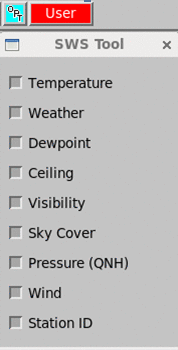
When displaying an SWS product in the Quick Look Window, you can configure what data is displayed using the SWS Tool.
You can start SWS Tool from or from .
For all selected data fields, IRIS displays the data and stores the data in the file.
 |
Pressure includes both the current pressure and the pressure trend. Ceiling includes (up to) 3 cloud level heights. |