

Creating new partitions
 | Vaisala recommends the LVM partition scheme. |
- If the /home partition exists, delete it by selecting the minus (-) icon.
-
Select the plus (+) icon to add partitions.
Do this 4 times, once for each partition.
-
For each new directory, do the following:
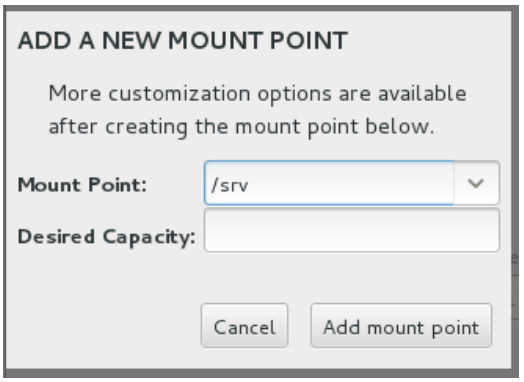
- From the Mount Point menu, select the directory.
- Go to , and type the value recommended in Recommended partitioning settings.
- Select Add mount point.
-
Create the /srv partition:
-
One at a time, select each partition, and modify the value in the Desired
Capacity field with recommended values.
For File System Type, you can select either EXT4 or xfs.
- Select to finish partitioning.
When you have completed partitioning, do one of the following:
- If you are doing a manual installation, go to Starting the installation.
- If you are doing an automatic installation, go back to Installing AlmaLinux automatically.