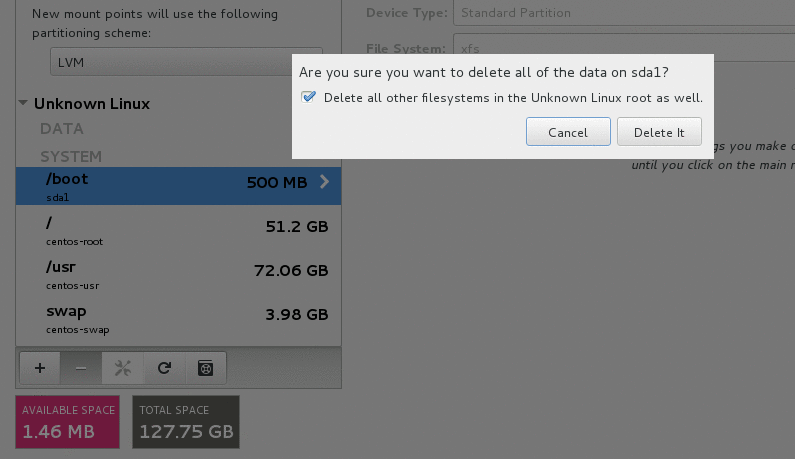
Deleting existing partitions
If you do not want to use the existing partitions, you must delete them to provide disk space for your installation.
- Select the arrow to the left of the drive name you want to modify to expand the partitioning scheme.
- Select a partition to delete.
- Select a minus sign (-) icon to delete the partition.
-
On the pop-up window, check Delete all other filesystems…. and
select Delete it.