

Viewing Products in Quick Look Window
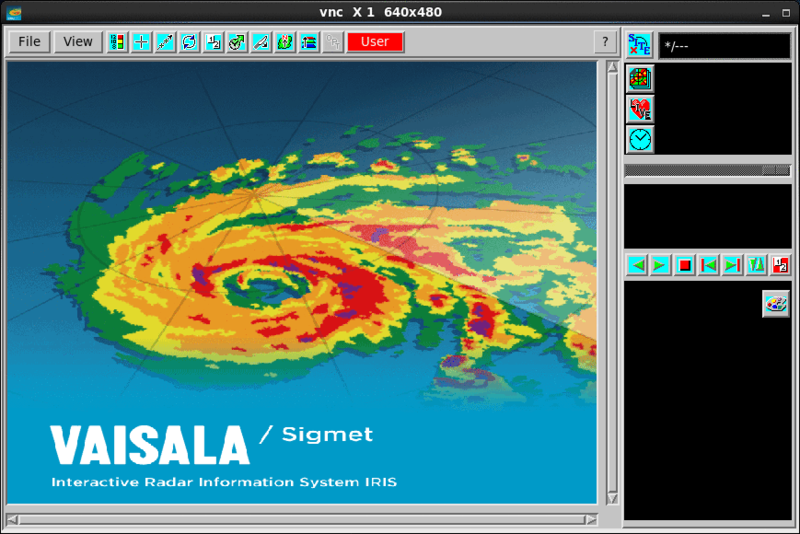
In your workstation, you can view products in the Quick Look Window.
You can configure many display windows an IRIS system with the Setup utility.
You can send products to the display from either the Product Output Menu according to a product output schedule or from the Quick Look Window.
-
To select a site from all the sites configured at General Setup,
select Site.
Select the site that corresponds to your local radar.
-
To display a list of available products, select Product.
RAW products cannot be displayed.
- To display times for which there are images for the product name you have selected, select Time (clock symbol).
- Use the slide bar to browse older and newer images.