

Printing and Exporting Displays
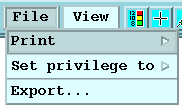
-
To export a display, select
The Export Tool appears with settings for outputting to a disk file on your local computer or to a remote computer in GIF, TIF, BMP, or Post Script formats.
The formats are controlled in .
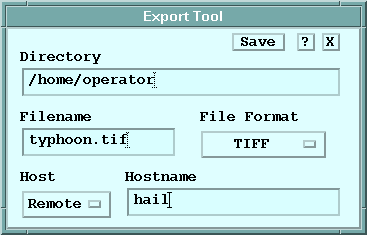
- To print a display, select