

Product Configuration Menu
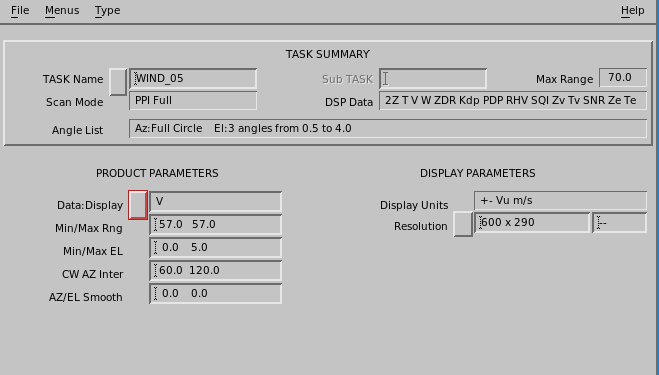
Most Product Configuration menus have the same general format:
- Task Summary
- Contains information about the task associated with the product.
- Map Projection
- Specify geographical map projection, if desired.
- Product Parameters
- Specifies the data, range, and other product-specific options.
- Display Parameters
-
Select your default color scale, which can be overridden at display time.
In case of
HClassdata types, select the classification method projected in the product. This cannot be overridden at display time.
Select .